Want to make your sign up ad-free? You can do that by assigning an Ad-Free license, available with paid subscriptions. This lets you hide third-party ads from your sign ups while your subscription is active. As events end, you can remove the license from one sign up and apply it to another. Below, we’ll walk you through the two ways to assign or manage an Ad-Free license.
You can learn more about all our paid plans on our pricing page, or learn how to upgrade your plan.
Option 1 - Assigning a No Ads License
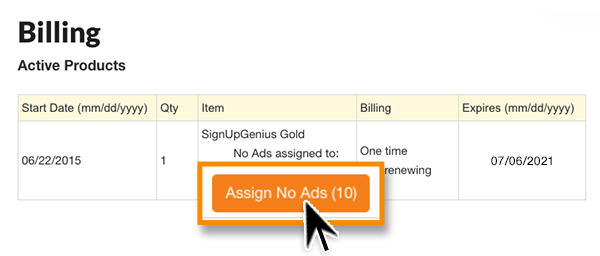
- From the upper right side of your account Sign Ups page, locate the circle with your initials or profile pic and then click Billing.
- Under Active Products click Assign No Ads.
- Check the box next to a sign up to assign a no-ads license to your sign up.
Option 2 - Removing Ads on a Sign Up
- When creating or editing your sign up, from Settings scroll down to Preferences.
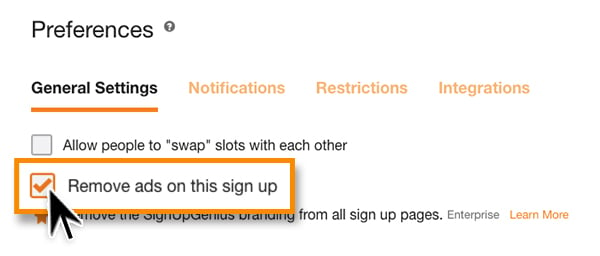
- Check the box that reads: Remove ads on this sign up.
- Select the green button at the end of the page to save changes.