Users at all account levels have the ability to assign a Custom Contact Name to a sign up, which can be used to display an organization or club name instead of your own.
- Log into your account and view your Created sign ups. Click the ellipsis icon (displayed as •••) next to the sign up and select Edit.
- From the Design tab, click the pencil icon next to the Created by field.
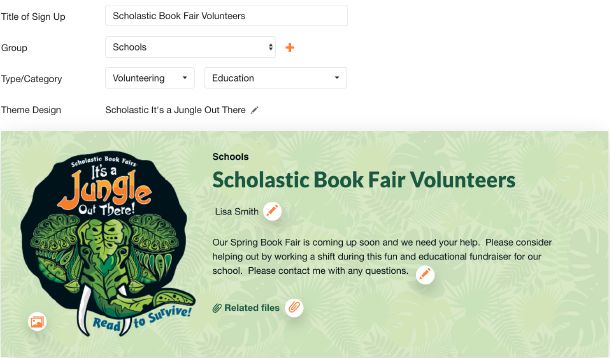
- Enter the Custom Contact Name that you wish to display on the sign up and in email communication.
-
Save the changes by clicking the green button at the bottom of the Design page.

Paid subscribers at the Gold level and higher can also choose who will receive email notifications related to the sign up when you assign specific individuals as the contact person for any sign up associated with the premium account. Next to Contact People, click the dropdown arrow to view the list of account administrators assigned to the sign up. Choose the name(s) of any Admin you would like to receive email notifications when participants sign up, make changes to their sign up or have questions for the creator.
.jpg)